

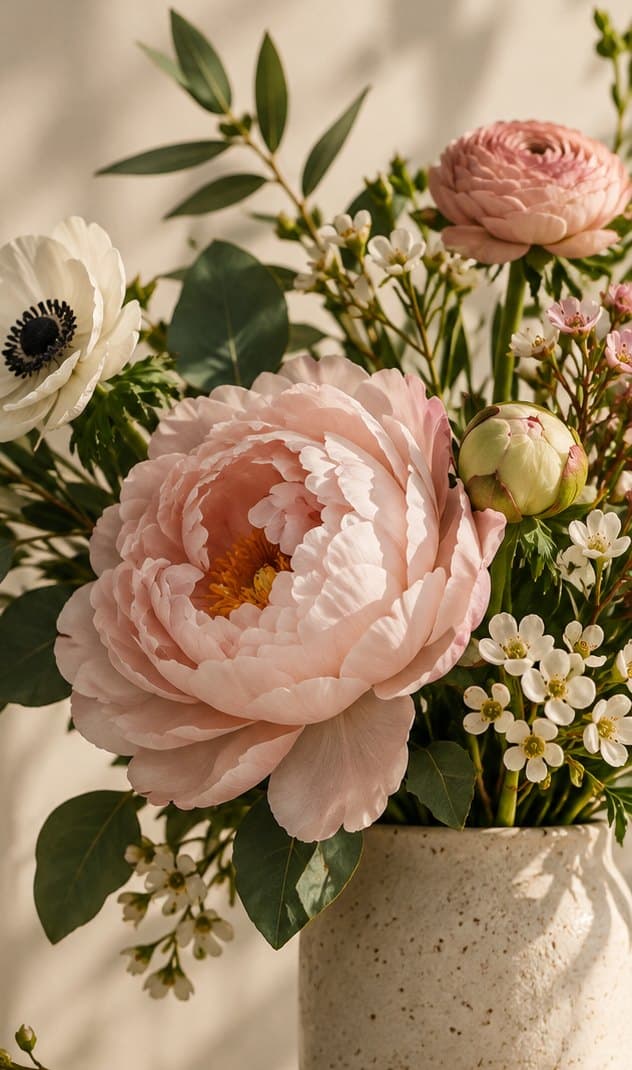
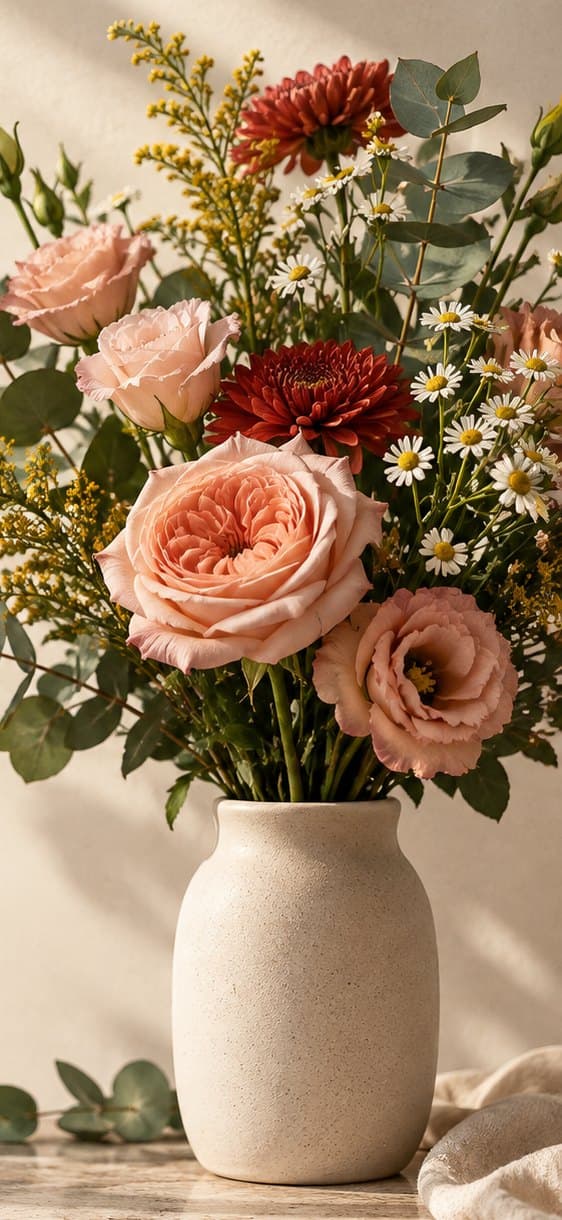

Mon, October 12PeonyPaeonia lactifloraFrom Grandma’s garden. Opened after the rain.
Create · Grow · Celebrate
A floral studio in your pocket. Identify flowers with your camera, build bouquets from real blooms, and keep it all in a journal that’s yours alone.
Coming soon to the App Store · For iPhone and iPhone Duo · iOS 26
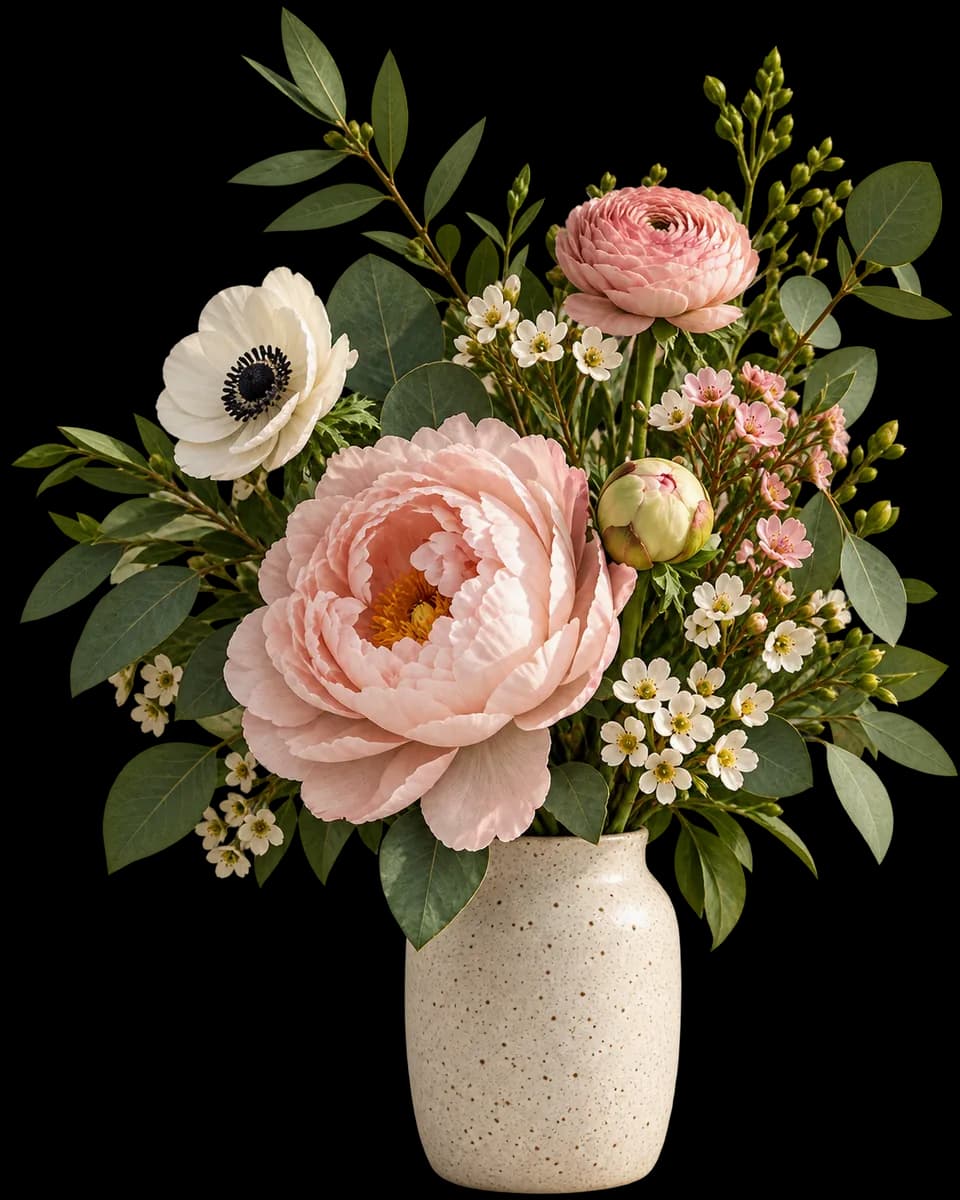

Bouquets and arrangements with real flowers, layer by layer.
Ideas, species, and palettes saved in a journal that grows with you.

Then take it to the table, the wedding, a client, or the screen of someone you love.
Flower ID
The app cuts out the plant, shows the three most likely species with a confidence score for each, and saves your pick to your journal.
 conf. 0.94
 DandelionTaraxacum officinale
Most likely
 DandelionTaraxacum officinaleconfidence 0.94
Below its confidence threshold, the app says “I’m not sure” instead of guessing. Automatic identification can be wrong: never use it to decide whether a plant is edible or safe.
Bouquet editor
Drag peonies, roses, ipê blossoms, and eucalyptus from the library, fine-tune every layer, and lift a flower out of your own photo with a single tap.









Photo palette
Snap the dress, the invitation, or the garden. The app finds the palette and suggests flowers that match it.
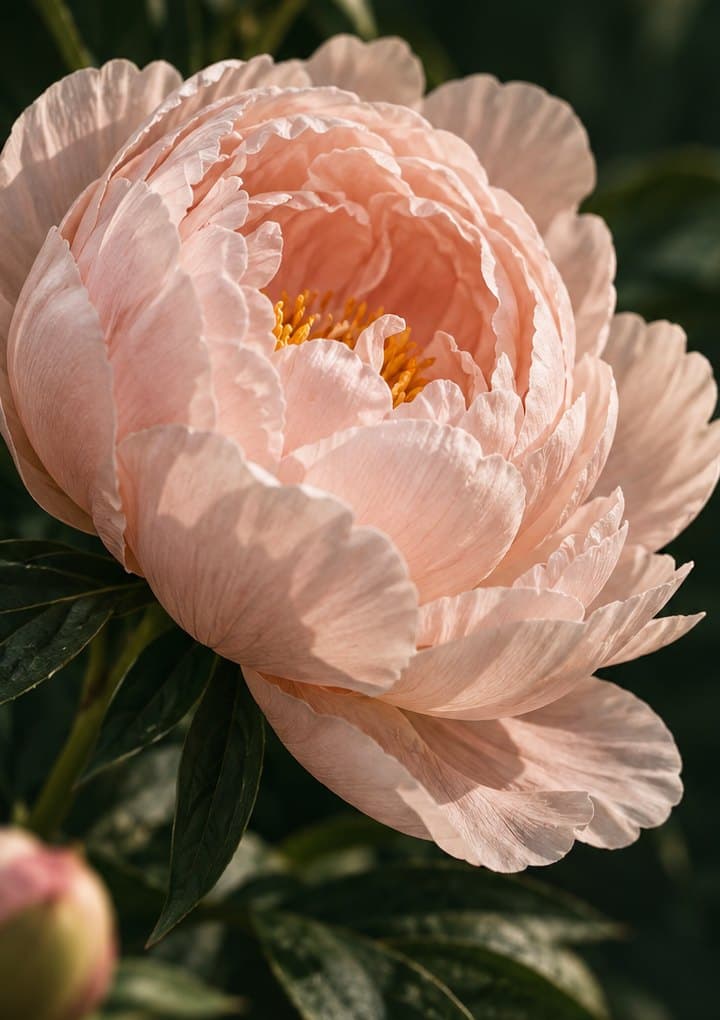
Journal & calendar
Species, photo, date, and a handwritten note. A flower calendar marks the days that matter, and little notes land on the Home Screen of someone you love, right in the widget.
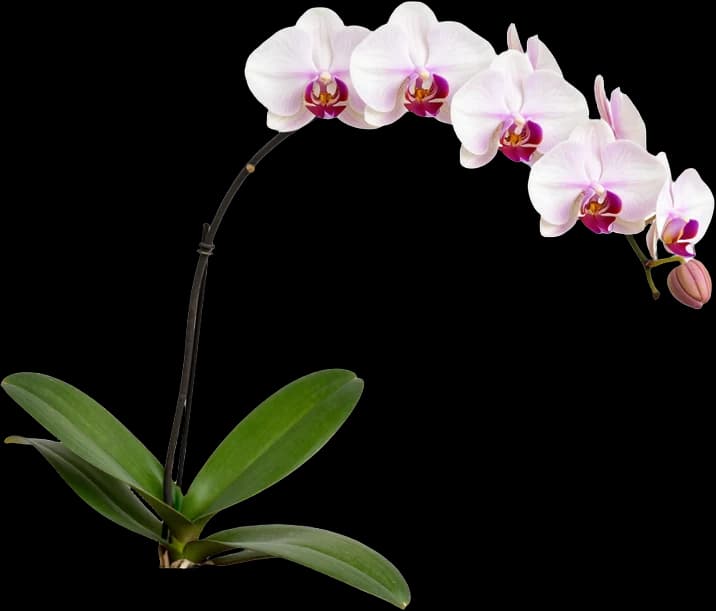
Bridal Mode · Pro
For couples tying the knot and for people who work with flowers: event planning, shopping, and client proposals, all in one app.
 Bridal bouquet
 Floral arch
 Round bouquet
Bouquet, centerpieces, and the event palette in one place, plus a countdown widget.

How many stems of each flower to buy, with a margin for loss, so nothing goes to waste.

Arrangement photo, palette, and pricing in a client-ready presentation.

On-device AI
Flores Love’s intelligence works on your device first. It also works on iPhones without Apple Intelligence.
Cutout, palette, identification, and the assistant run on your device. By default, your photo never leaves it.
When a task needs more power, Apple Intelligence uses Private Cloud Compute, without keeping your data.
Realistic renders and tough questions go there only when you tap, within your plan’s quota.
Plans
Try it free with 1 project. Subscribe to save up to 100 or 500.
$0
Get to know the app with 1 project.
$4.99/month
Cancel anytime.

$39.90/year
Billed once a year.
Prices in US dollars; the App Store shows the amount in your local currency. Cloud quotas renew every month.
Questions
The editor, the core library, photo palette, and on-device identification with a usage quota, plus up to 1 saved project. To keep more, Plus saves up to 100 projects and Pro up to 500.
No. The AI features also work on devices without Apple Intelligence: in that case the app only uses our cloud when you ask, lets you know before sending a photo, and stays within your plan’s quota.
Not by default. Cutout, palette, and identification run on your device. A photo is only sent when you ask, for example by tapping “Ask the cloud”, and the app tells you first.
Yes. That’s why the app shows the three most likely species with a confidence score for each, and says “I’m not sure” instead of guessing. Never use it to decide whether a plant is edible or safe.
Pro costs $39.90, billed once a year. Plus costs $4.99 per month. You can cancel either one in your iPhone Settings.
Yes. Unfolded, the Duo becomes a notebook: your photo or canvas on one side, and the journal, library, or palette on the other.
Not yet. Flores Love starts on iPhone; Android comes later, with the same catalog.
We email you when Flores Love arrives on the App Store. Your email isn’t used for anything else, and you can ask us to delete it anytime at hey@flores.love.

Join the waitlist and hear from us on launch day.